How It Works
Get started with WA Biz Sender (Prime) in just a few simple steps
Step 1: Install the Extension
Download and install WA Biz Sender (Prime) on your Chrome browser
2
Install
Click "Add to Chrome" and confirm the installation
3
Pin Extension
Pin the extension to your toolbar for easy access
Step 2: Setup & Configuration
Configure the extension and prepare your contact list
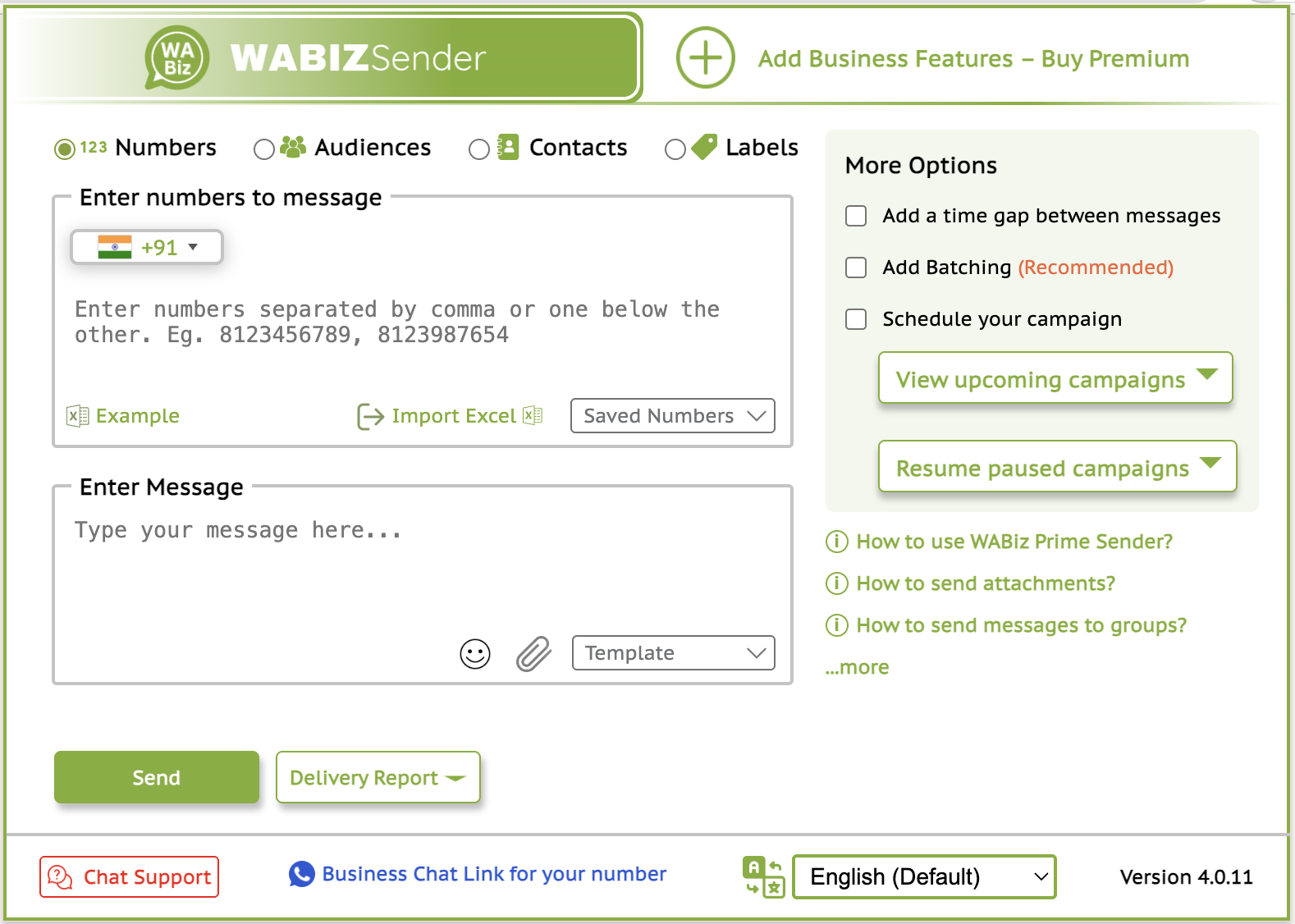
Step 3: Send Bulk Messages
Follow these steps to send your first bulk message campaign
Open WhatsApp Web
Go to web.whatsapp.com and scan the QR code with your phone to log in.
Activate Extension
Click on the WA Biz Sender (Prime) extension icon in your Chrome toolbar.
Upload Contacts
Upload your CSV/Excel file or manually add contacts to the extension.
Compose Message
Write your message template with variables and add any attachments if needed.
Set Delay
Configure the time delay between messages to avoid spam detection.
Start Sending
Click "Start Sending" and watch as the extension automatically sends messages to your contacts.
Tips & Best Practices
Get the most out of WA Biz Sender (Prime) with these helpful tips
Optimal Timing
Send messages during business hours (9 AM - 6 PM) for better response rates. Use delays of 30-60 seconds between messages.
Contact Quality
Ensure your contact list contains valid phone numbers. Remove duplicates and invalid entries before sending.
Message Content
Keep messages personal and relevant. Use variables to customize content and avoid spam-like language.
Compliance
Respect WhatsApp's terms of service. Don't send unsolicited messages and provide opt-out options.
Track Results
Monitor delivery reports and response rates to improve your campaigns over time.
Regular Updates
Keep the extension updated to ensure compatibility with the latest WhatsApp Web version.
Ready to Start?
Download WA Biz Sender (Prime) and begin your WhatsApp marketing journey today
Get Extension View FAQ